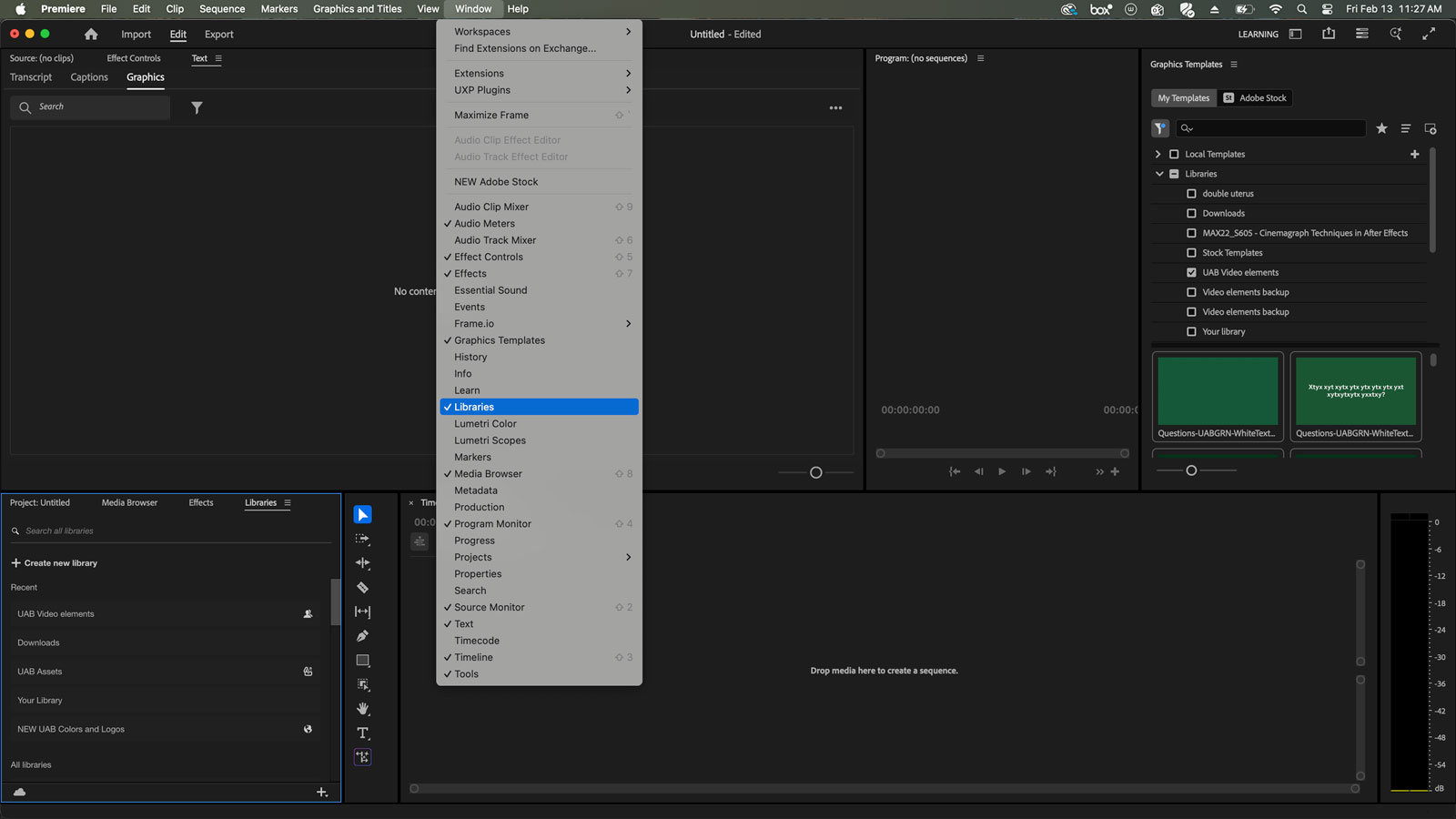
Lower third video templates are available in Premiere Pro. To access the lower thirds, go to the Window tab in Premiere Pro, then select "Import Library." Once you import the "UAB Video Elements" library, it will show up in your Project Panel. Once you see the Libraries tab, select "UAB Video Elements." Once selected, you'll be able to see the editable graphics.